QuickBooks is built for standard VAT
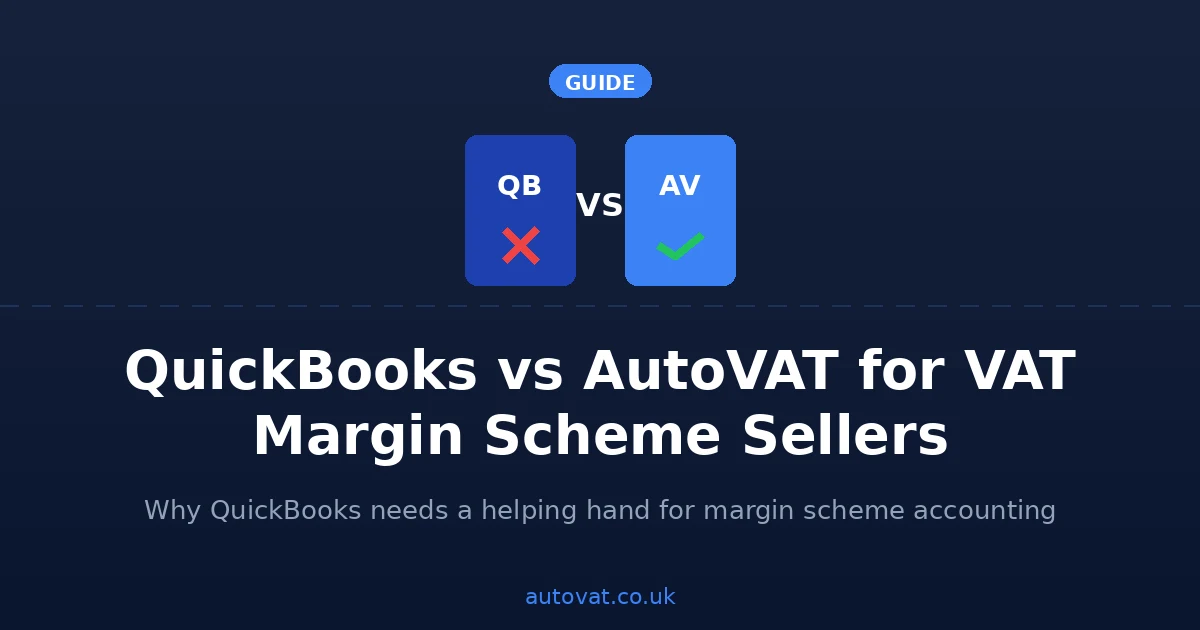
QuickBooks Online is a well-regarded accounting package that handles invoicing, expenses, bank reconciliation, and VAT returns for most UK businesses very capably. But its VAT functionality is built around standard VAT accounting — recording output tax on sales and input tax on purchases, then netting them off on your return. The VAT Margin Scheme works completely differently, and QuickBooks has no native support for it.
What QuickBooks cannot do for margin scheme sellers
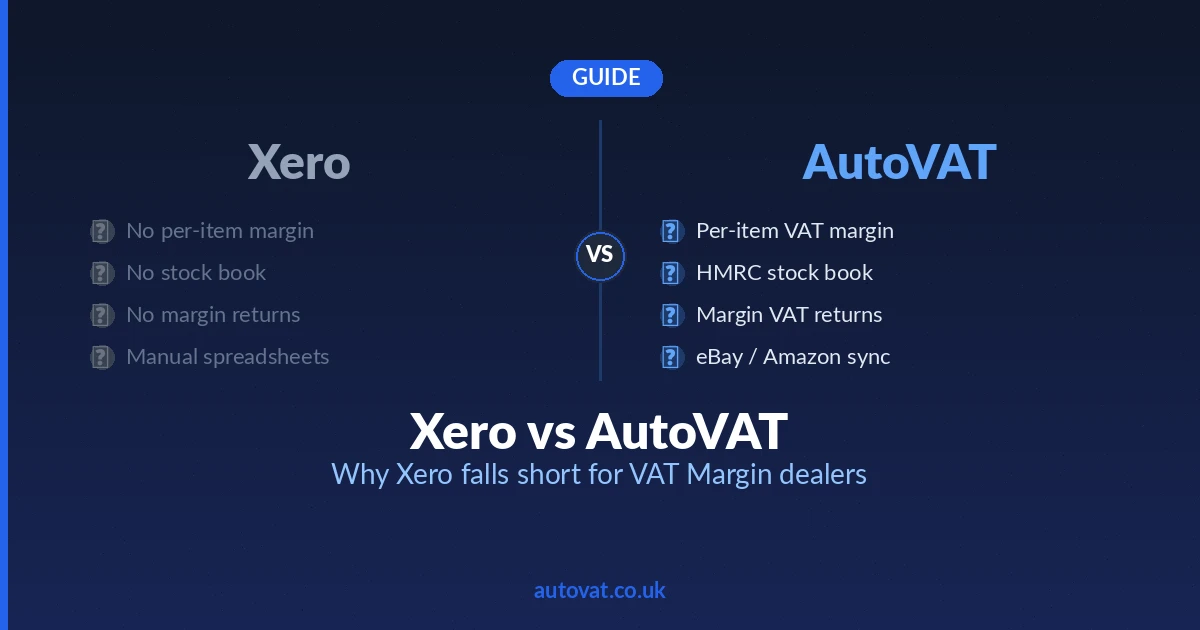
- No stock book — HMRC requires a dedicated stock book linking every purchase to its eventual sale. QuickBooks has no such feature.
- No per-item margin calculation — QuickBooks cannot calculate VAT on the difference between individual purchase and selling prices.
- No margin scheme VAT return — the VAT return QuickBooks generates is based on standard output and input tax. It cannot produce the margin scheme figures HMRC requires.
- No margin scheme invoicing — QuickBooks sales invoices show VAT as a separate line item. Under the margin scheme, VAT must not appear separately on customer invoices.
How dealers try to work around it
Most QuickBooks users who sell under the margin scheme end up running a parallel spreadsheet to track their stock book and margins, then manually transferring the VAT figure across to their QuickBooks return at the end of each quarter. This works — just about — but it is time-consuming, and the risk of the spreadsheet falling out of sync with actual transactions is high. Any discrepancy between the two systems makes it very difficult to reconcile your accounts or defend your numbers in an HMRC inspection.
Where AutoVAT fits in
AutoVAT handles the part of your accounting that QuickBooks cannot: the purchases bookkeeping, the sales bookkeeping, the stock book, and the margin scheme VAT calculation. Here is how the two work together:
- Purchases — AutoVAT records every eligible purchase with the full details HMRC requires: description, date, price, and seller information. No manual stock book entry needed.
- Sales — When you sell an item, AutoVAT matches the sale to the original purchase, calculates the margin and the VAT due, and updates the stock book.
- QuickBooks export — AutoVAT exports your reconciled figures in a format ready to bring into QuickBooks: total purchases, total sales, and the margin scheme VAT amount. Your QuickBooks account stays accurate and your accountant works in the tool they are familiar with.
We build the export to match your QuickBooks chart of accounts and the way your accountant wants to see the data. You do not need to set anything up yourself.
The result
Your margin scheme records are complete and HMRC-ready in AutoVAT. Your overall accounts are accurate in QuickBooks, with figures ready to bring across each quarter — no manual transfer of numbers and no risk of the two records drifting apart.
Get in touch to discuss how AutoVAT's exports fit your QuickBooks setup.